Tag every excavator
Durable QR labels arrive pre-registered to your account. Nothing onthe sticker identifies you — the link between tag and company lives on the server.
Heavy Equipment
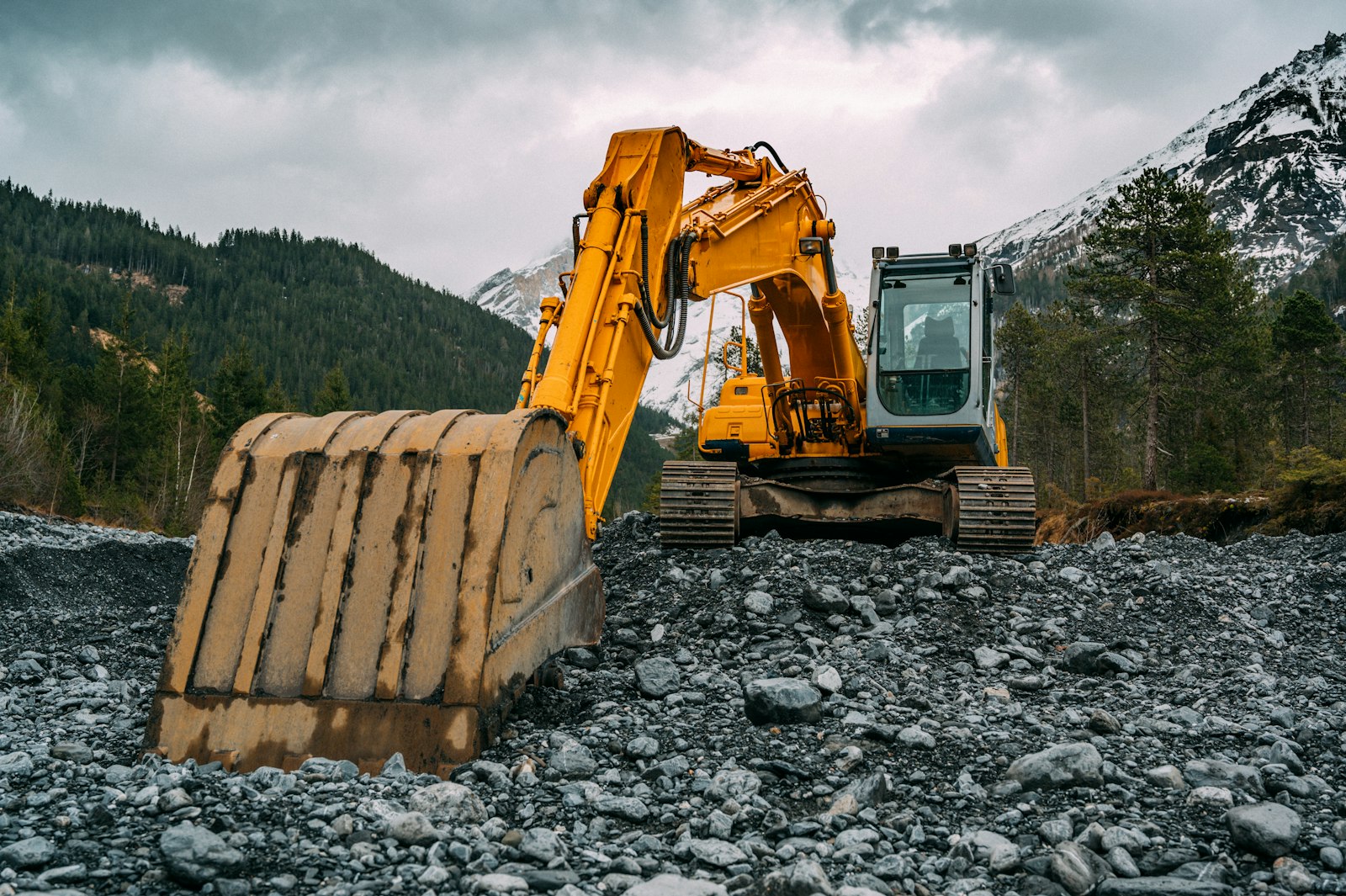
Heavy equipment rolls onto a new site every few weeks with a different operator each time. A QR tag on the cab makes the walk-around a five-minute habit with a paper trail.
Learn more about plans and limits,security, and our privacy policy, or contact sales for rollout questions.
How it works
No rollout project and no training day. The tag on the excavator is the entire interface.
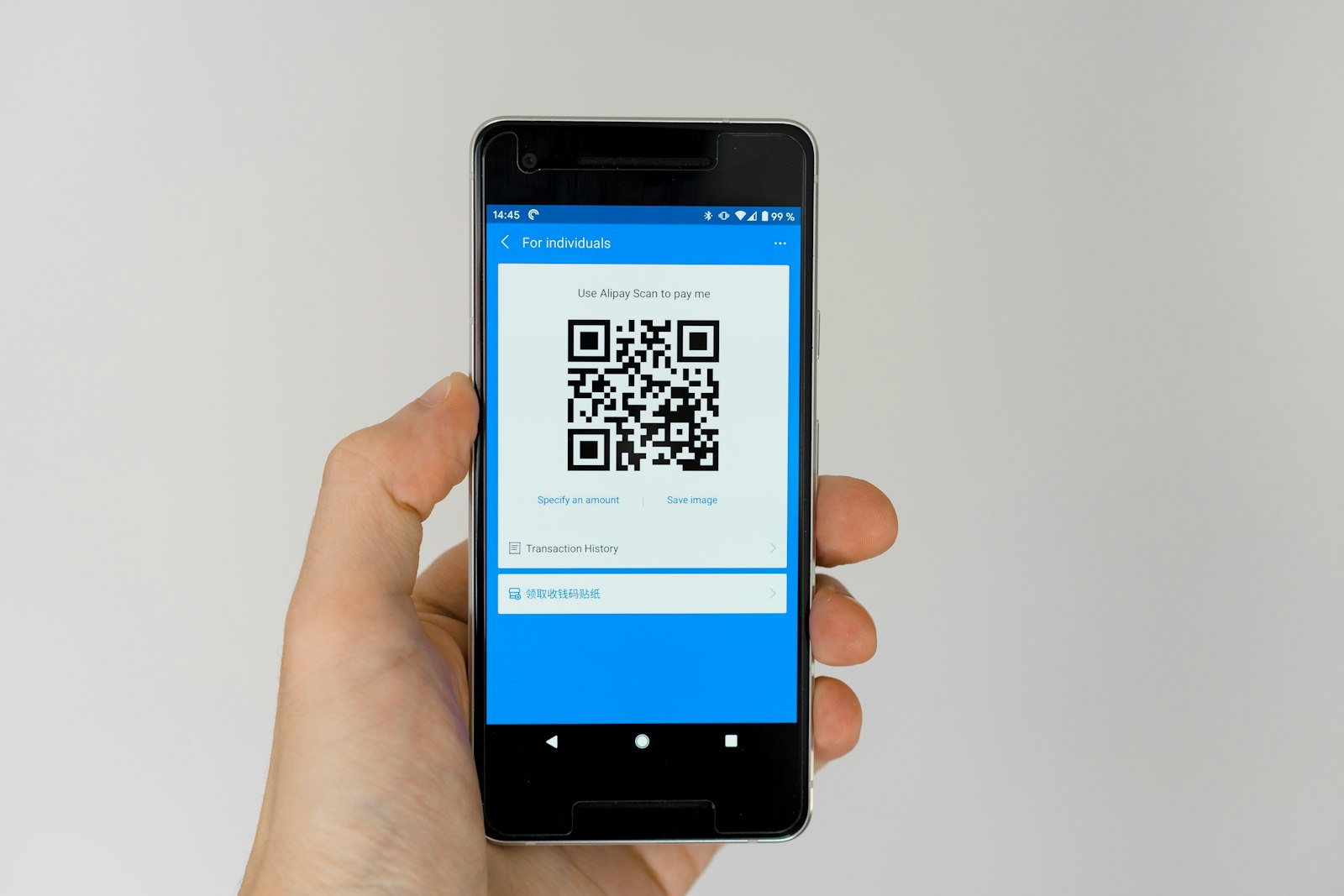
Durable QR labels arrive pre-registered to your account. Nothing onthe sticker identifies you — the link between tag and company lives on the server.
Scanning an unclaimed code walks you through naming the excavator, choosing a checklist and setting how often it needs checking.
Anyone with a phone sees when it was last inspected and files the next one. Overdue excavators surface before an inspector finds them.
On the checklist
Start from a checklist that already knows the job, then change anything you want. Before every shift, plus after any relocation between sites..
Why it has to be provable
Insurers and equipment financing agreements increasingly require documented pre-use inspections for heavy mobile equipment, and a dated record limits liability exposure after a rollover, strike, or mechanical failure claim.
Because the tag lives on the machine, not with an operator's memory, the inspection follows the excavator wherever it goes and whoever's running it that week. The dashboard shows which machines are overdue by asset, not by crew.
Why teams switch
The spreadsheet was never the problem. Proving the check actually happened is.
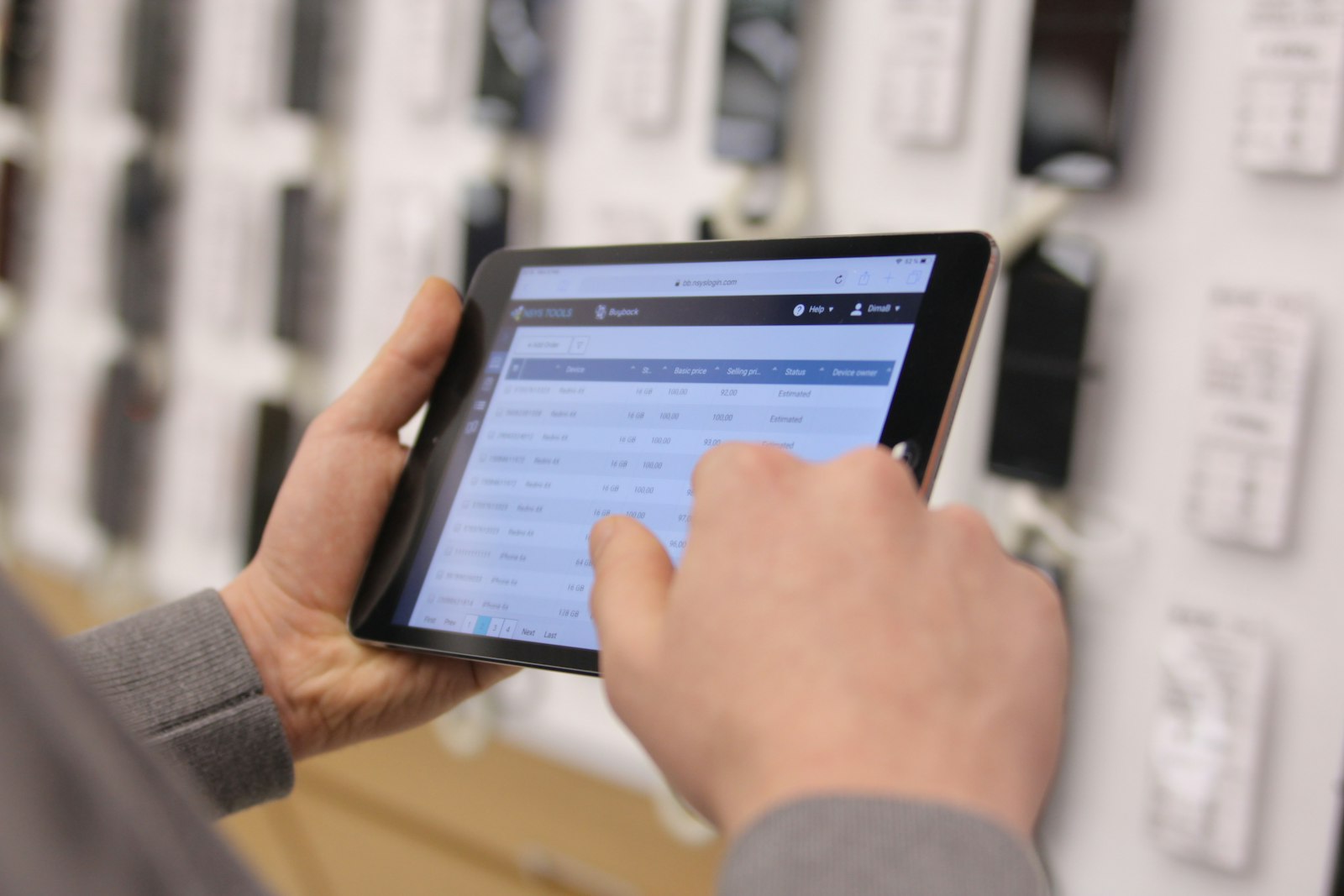
Every inspection carries its timestamp, the person who filed it and the photos they took. A record that cannot be back-dated is worth more than one that can.
Assets past their interval are flagged on the dashboard and emailed to whoever owns them, so a missed check is noticed by you and not by an inspector.
Contractors and temporary staff scan and inspect without an account or a licence. You pay for assets tracked, not for seats.

What good looks like
Scan to filed inspection
Inspections with a timestamp and author
Apps for an inspector to install
Export formats, on demand, no request needed
Start with one checklist and one label. Nothing to install, and the record is yours to export whenever you want it. Contact us if you need help getting started.